Request a Demo
  • Platform
    • Donations
    • Campaigns
    • Events
    • eCards
    • CRM
  • Features
  • Integrations
  • Support
  • Company
  • Platform
    • Donations
    • Campaigns
    • Events
    • eCards
    • CRM
  • Features
  • Integrations
  • Support
  • Company
Request a Demo

Donations

  • Creating On-Page Donation Forms
  • How to configure a sponsorship opportunity donation form
  • How to setup a variations donation form
  • Overview of Donation Forms on LevCharity

Crowdfunding Campaigns

  • Creating a Crowdfunding Campaign at LevCharity
  • Setting Up Crowdfunding Campaigns
  • Crowdfunding Sign-Up Procedure
  • Creating Crowdfunding Emails on LevCharity Platform
  • Exporting Data for Team Campaigns

Integrations & Settings

  • Setting Up Donation Forms in Plugin
  • Crowdfunding Account Sign-Up Settings

Events

  • Creating Events Using the Events Module
  • Creating and Managing Events in the Back-End System
  • Creating an Event Using the OLD Template in Fundraise
  • Creating and Managing Events Using Single and Multiple Templates
  • Setting Up Emails for Events
  • Exporting Event Data from LevCharity Platform
  • Creating Event Digital Ads

E-Cards

  • Creating E-Cards
  • Managing E-Cards
  • Setting Up E-Card Email Notifications

Fundraising Campaigns

  • Creating a Fundraising Campaign on LevCharity Platform
  • Standard Operating Procedure for Managing Fundraising Campaigns

Configure

  • Setting Up Donation Receipts
  • Adding Sponsorship Equipment Pieces to Your Site

Transactions

  • Managing Transactions in the Admin Back-End
View Categories

Creating a Crowdfunding Campaign at LevCharity

1 min read

Objective #

This SOP outlines the steps to create and manage a crowdfunding campaign at LevCharity, ensuring clarity and efficiency for team members.

Key Steps #

1. Overview of Crowdfunding Campaigns 0:00

  • Understand that crowdfunding campaigns allow individuals to raise funds on behalf of a cause.
  • Familiarize yourself with the concept of enabling teams to join and create their own fundraising efforts.

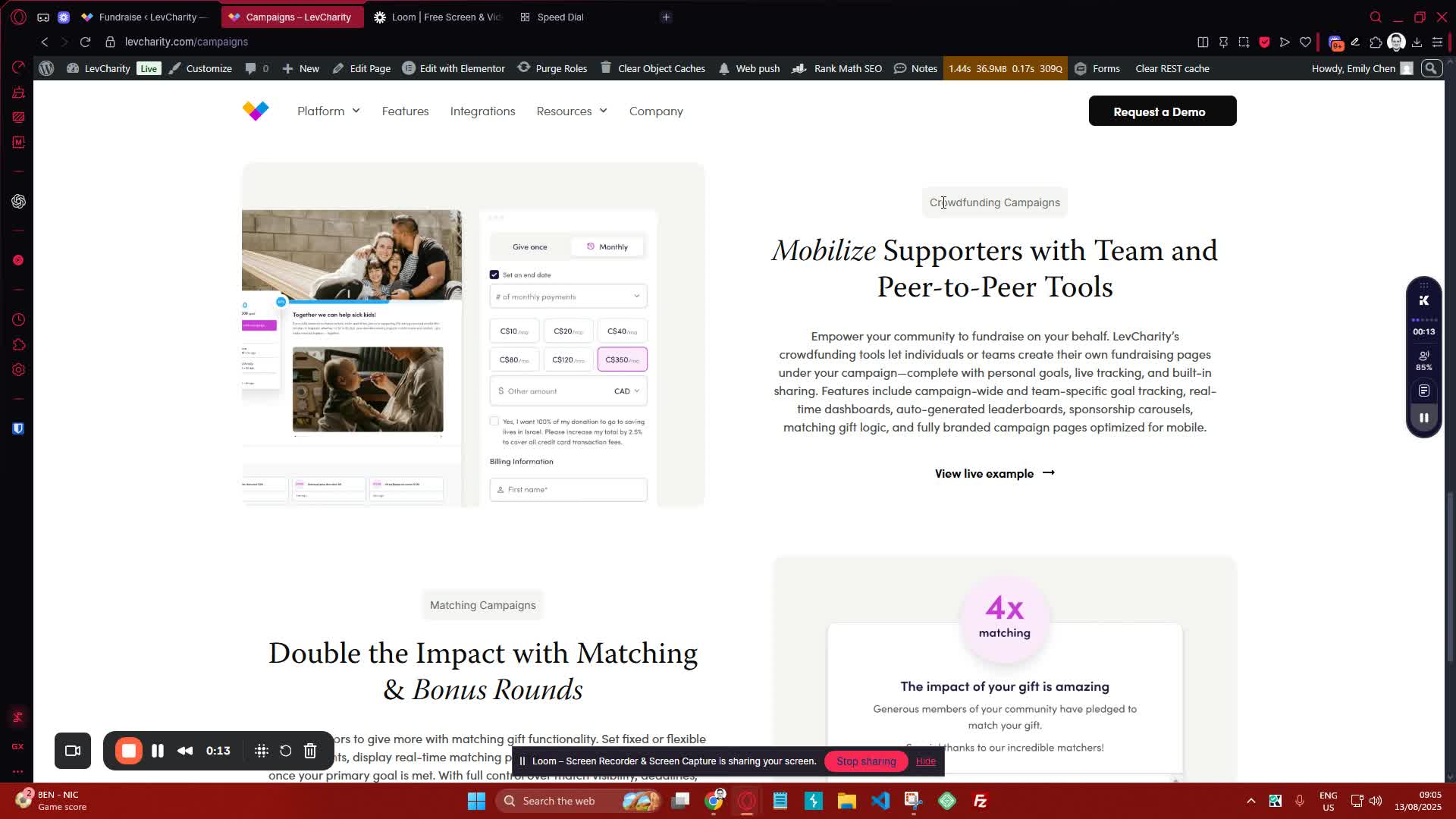
2. Campaign Setup 0:13
generated-image-at-00:00:13
  • Prepare the following elements for your campaign:
    • Banner Image: Choose an engaging image that represents your campaign.
    • Title: Create a clear and compelling title for your campaign.
    • Description: Write a brief description explaining the purpose of the campaign.
    • Goal: Set a fundraising goal amount.

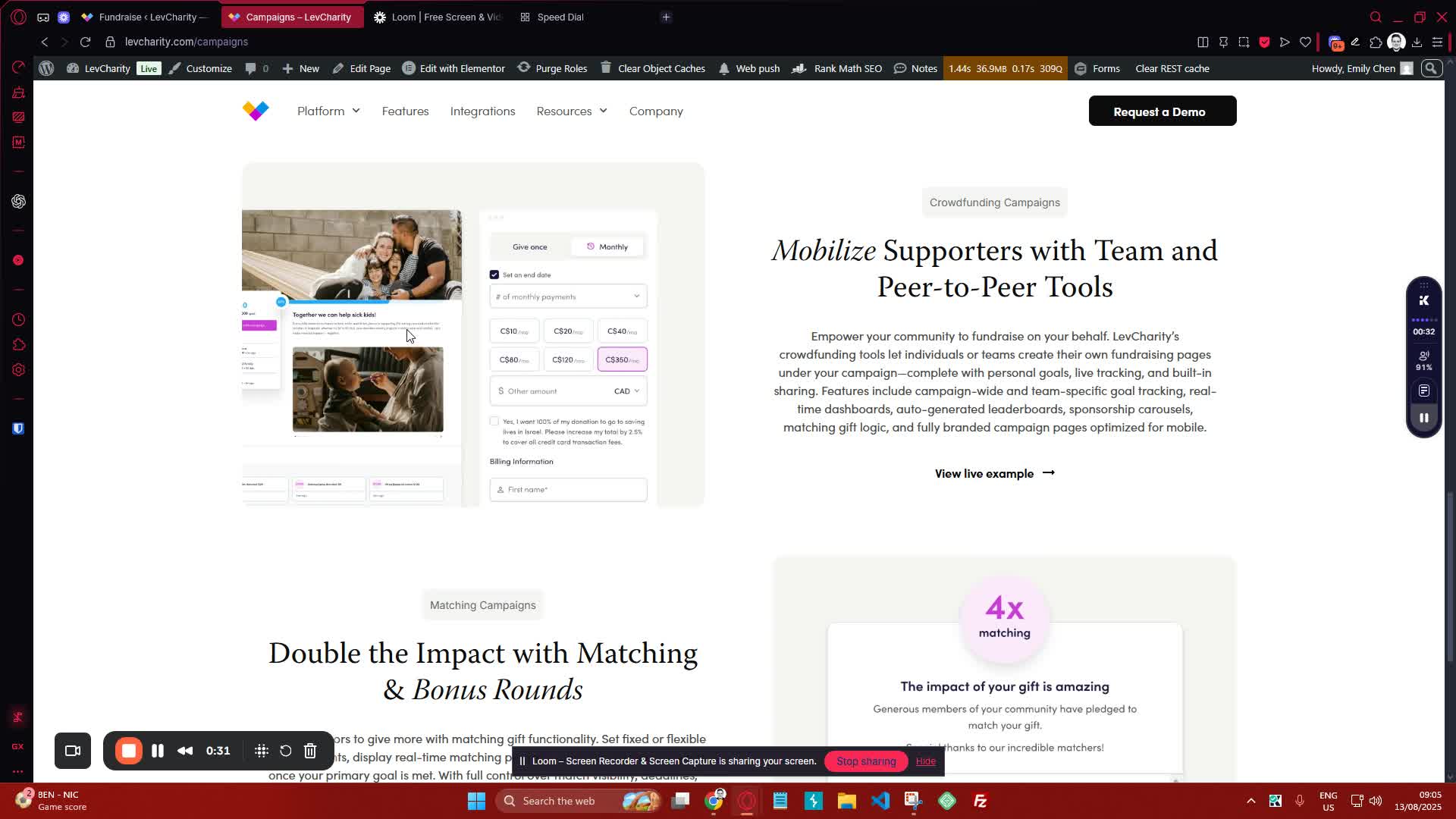
3. Campaign Features 0:32
generated-image-at-00:00:32
  • Include the following features in your campaign:
    • Leaderboard: Display top fundraisers and teams.
    • Statistics Block: Show stats for top fundraisers and teams.
    • Donations Block: Allow users to donate easily.

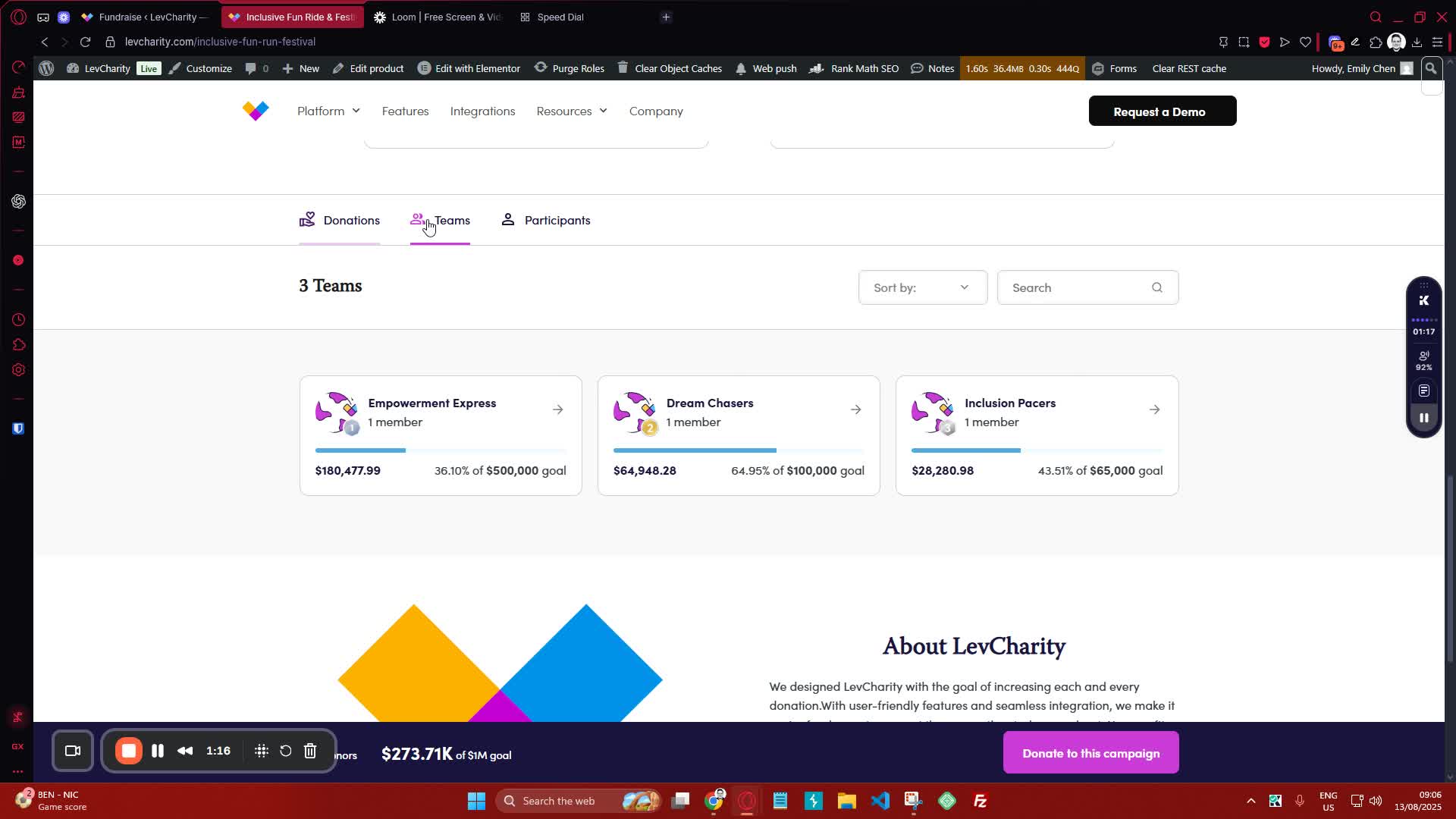
4. Team Functionality 1:17
generated-image-at-00:01:17
  • Enable team functionality:
    • Allow users to create teams and have their own pages.
    • Ensure teams can share their pages with others.

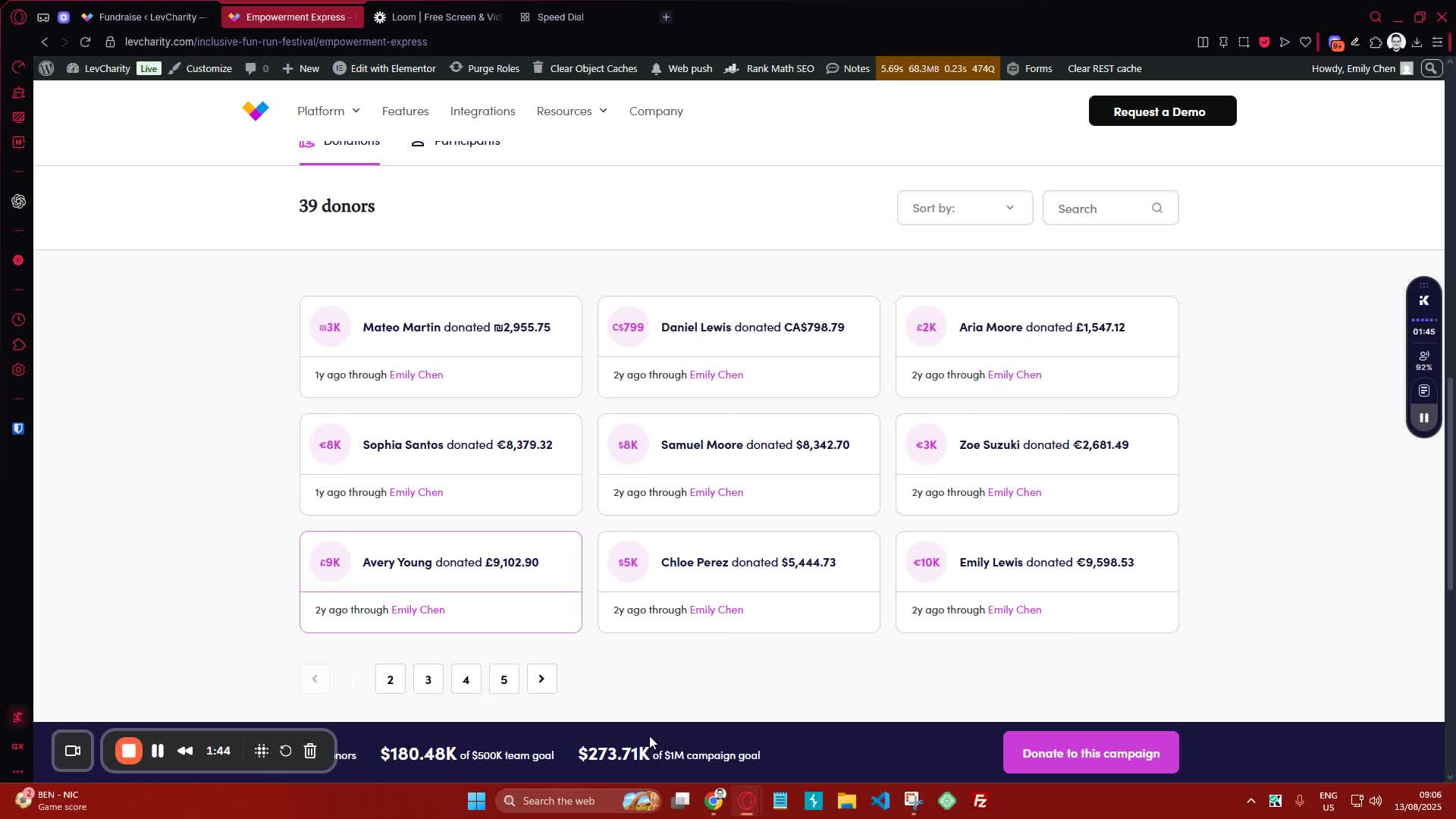
5. Donation Process 1:45
generated-image-at-00:01:45
  • Set up a multi-currency donation option for users.
  • Implement a sticky donation bar for easy access.

6. Captain’s Page 1:59
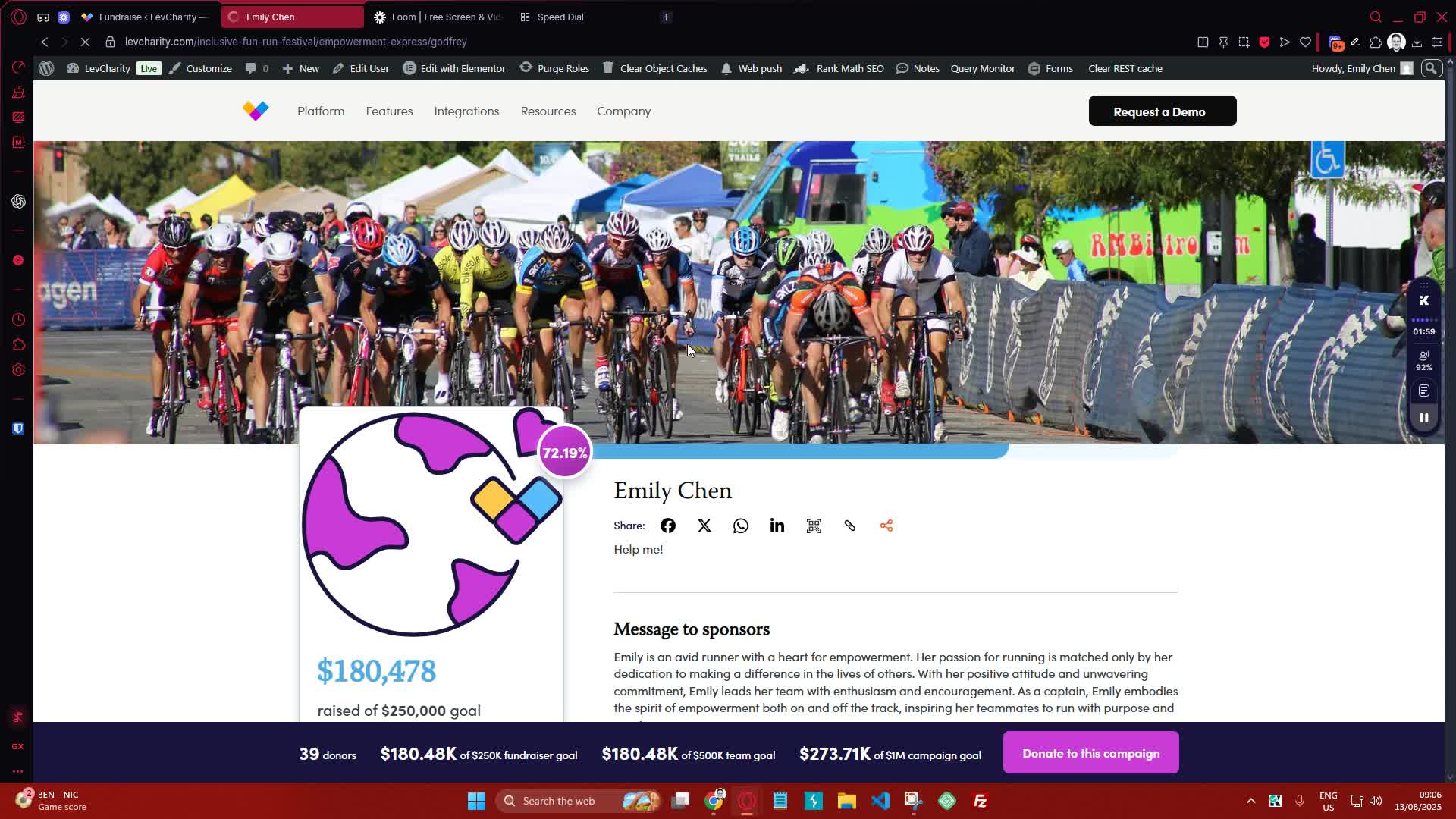
generated-image-at-00:01:59
  • Create a personal page for the team captain to manage their fundraising efforts.

7. Checkout Process 2:11
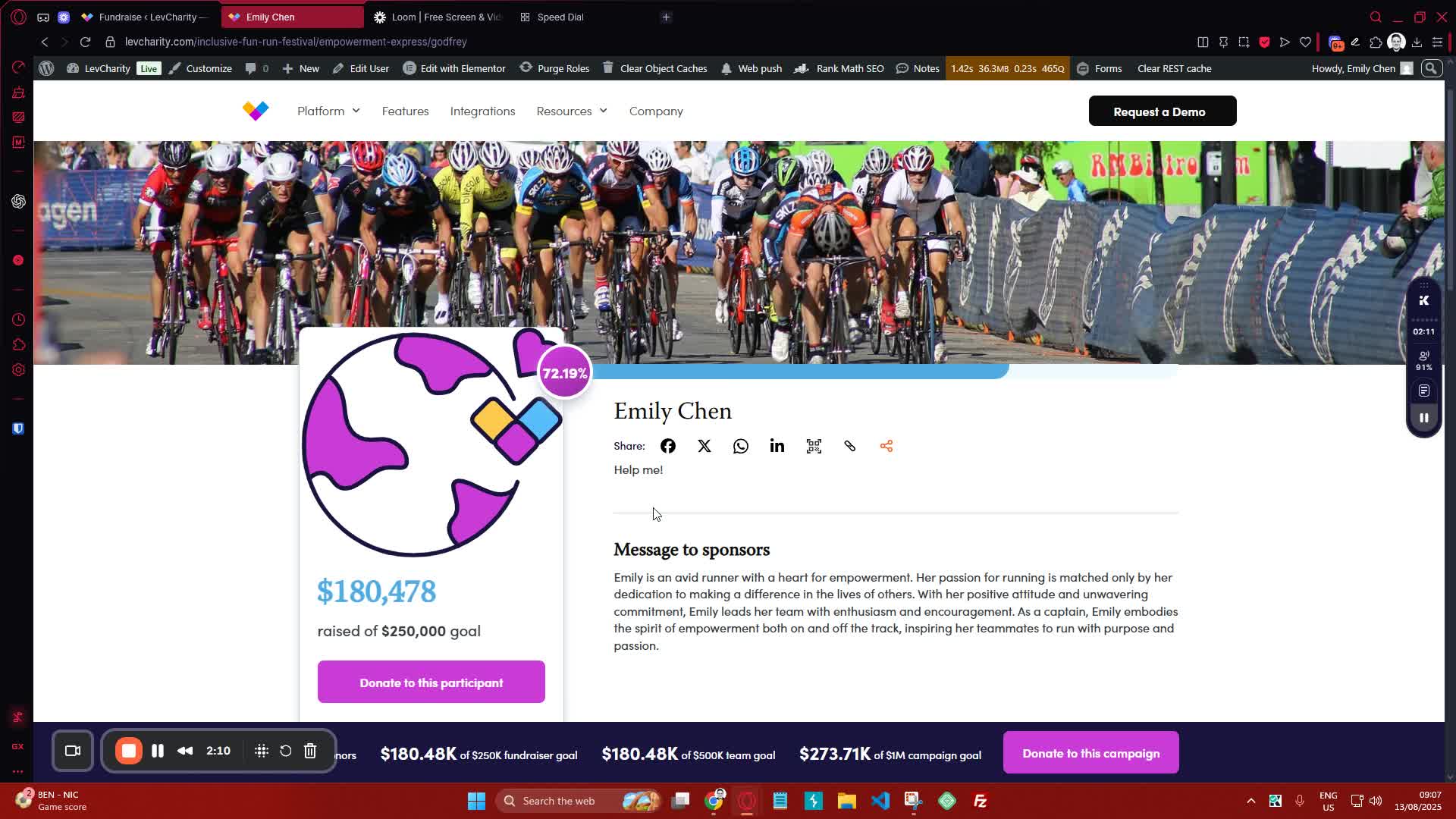
generated-image-at-00:02:11
  • Ensure that during the checkout process, the donation option is automatically applied for users.

8. Support and Questions 2:45

  • Encourage team members to reach out with any questions or for further assistance.

Cautionary Notes #

  • Ensure all campaign details are accurate before launching.
  • Monitor the campaign regularly to address any issues promptly.

Tips for Efficiency #

  • Use templates for campaign descriptions and titles to save time.
  • Regularly update the leaderboard and stats to keep users engaged.
  • Schedule periodic reviews of the campaign to assess progress and make necessary adjustments.

Link to Loom #

Was this article helpful?
Still not sure? How can we help?

How can we help?

Updated on October 29, 2025
Setting Up Crowdfunding Campaigns
Table of Contents
  • Objective
  • Key Steps
  • Cautionary Notes
  • Tips for Efficiency
  • Link to Loom
Join our newsletter

Add your email to stay up to date on features and new releases:

[sibwp_form id=1]
  • Docs
  • Changelog
  • Privacy Policy
  • Terms of Service
  • Cookies Settings
  • Docs
  • Changelog
  • Privacy Policy
  • Terms of Service
  • Cookies Settings