
Objective #
This SOP outlines the steps required to set up and manage crowdfunding campaigns in the backend system, ensuring clarity and efficiency for team members.
Key Steps #
1. Access the Backend 0:21
- Log into the backend system.
- Navigate to the ‘Fundraise’ option.
2. Navigate to Crowdfunding Campaigns 0:45
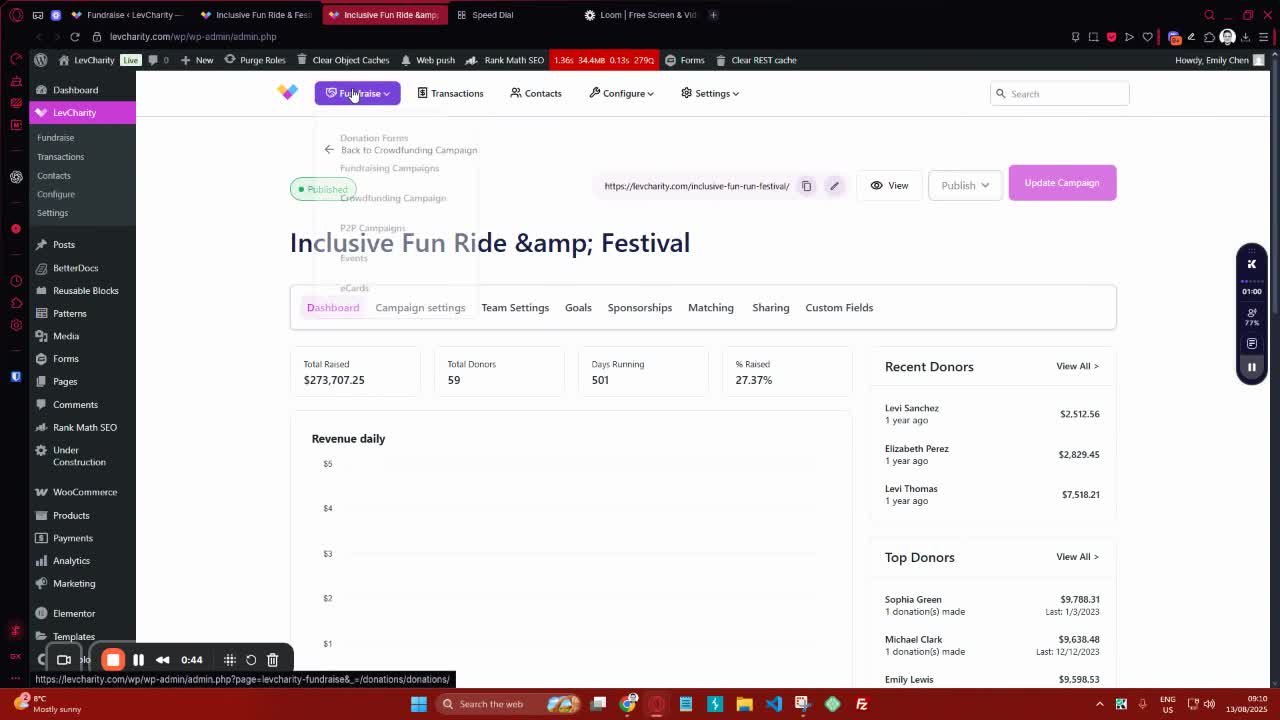
- Click on ‘Fundraise’.
- Select ‘Crowdfunding Campaigns’ to view existing campaigns or create a new one.
3. Review Campaign Dashboard 1:10
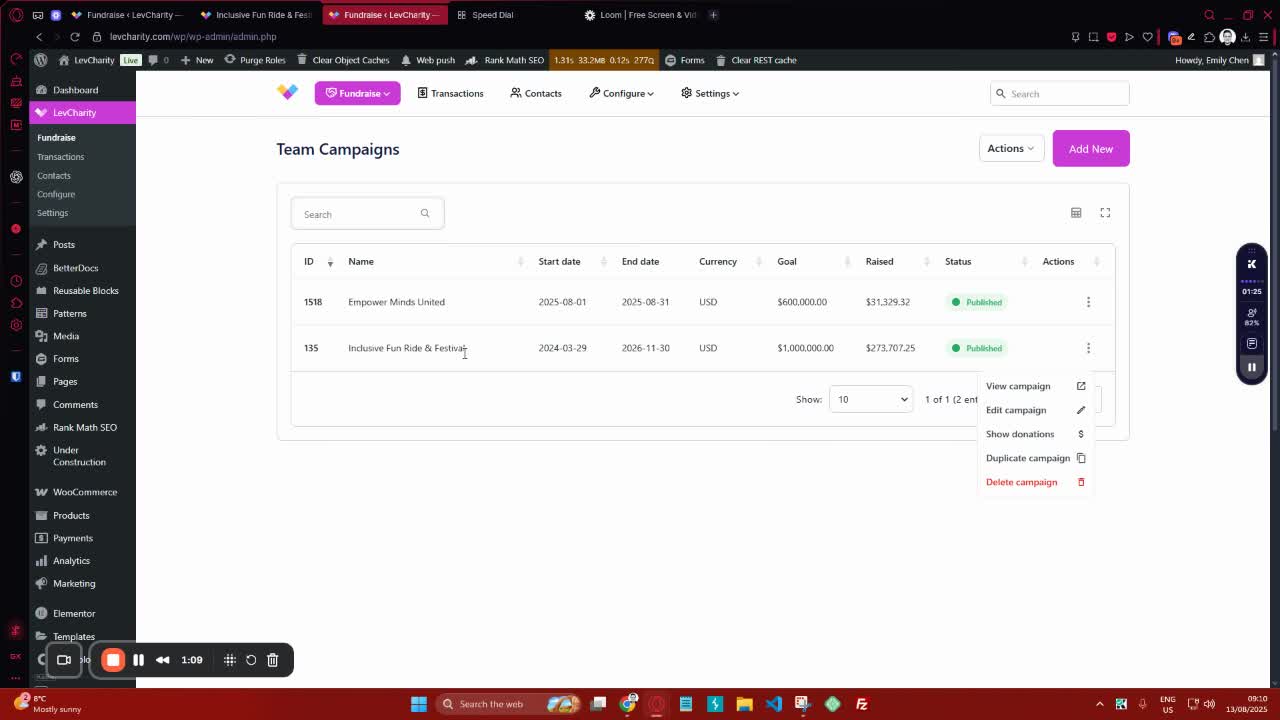
- Familiarize yourself with the dashboard displaying:
- Total raised
- Total donors
- Days running
- Percentage raised based on the goal.
4. Fill Out Campaign Settings 1:46
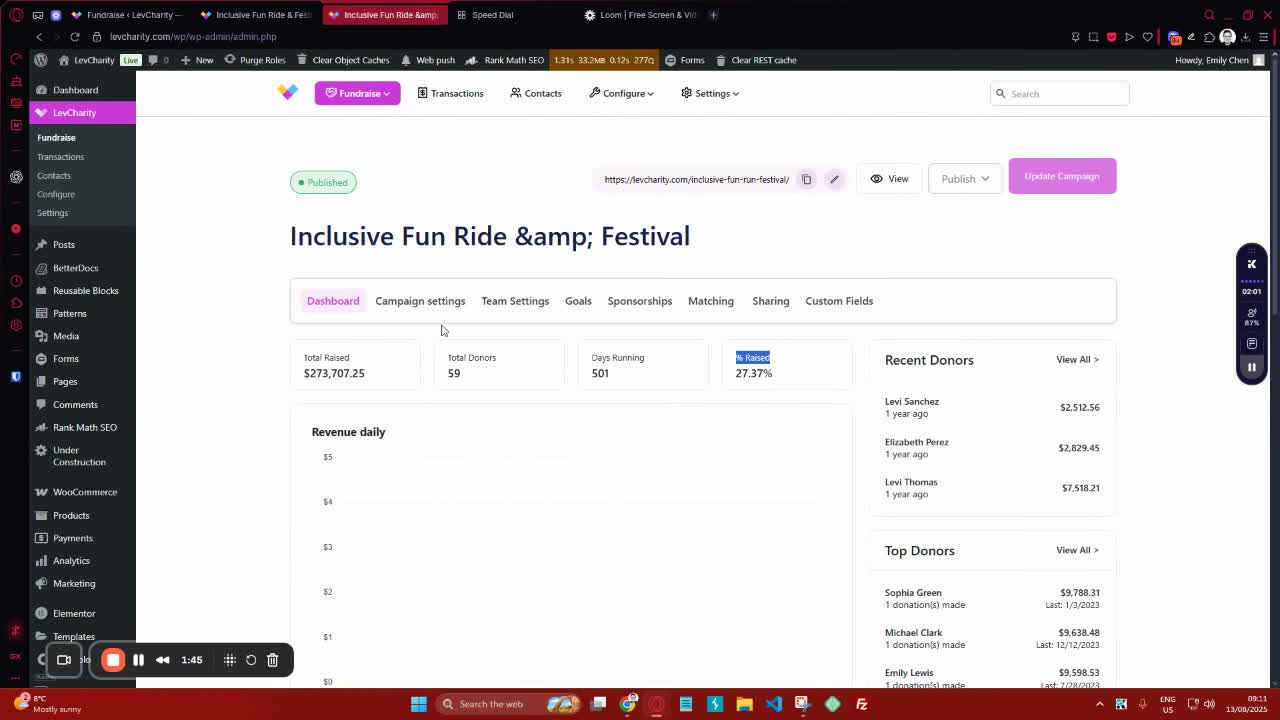
- Enter the campaign title and description.
- Optionally, set a campaign subtitle and URL slug.
5. Choose Campaign Template 3:09
- Select the preferred template for the landing page (e.g., landing page, landing page with flows, archive page).
6. Set Currency Options 3:36
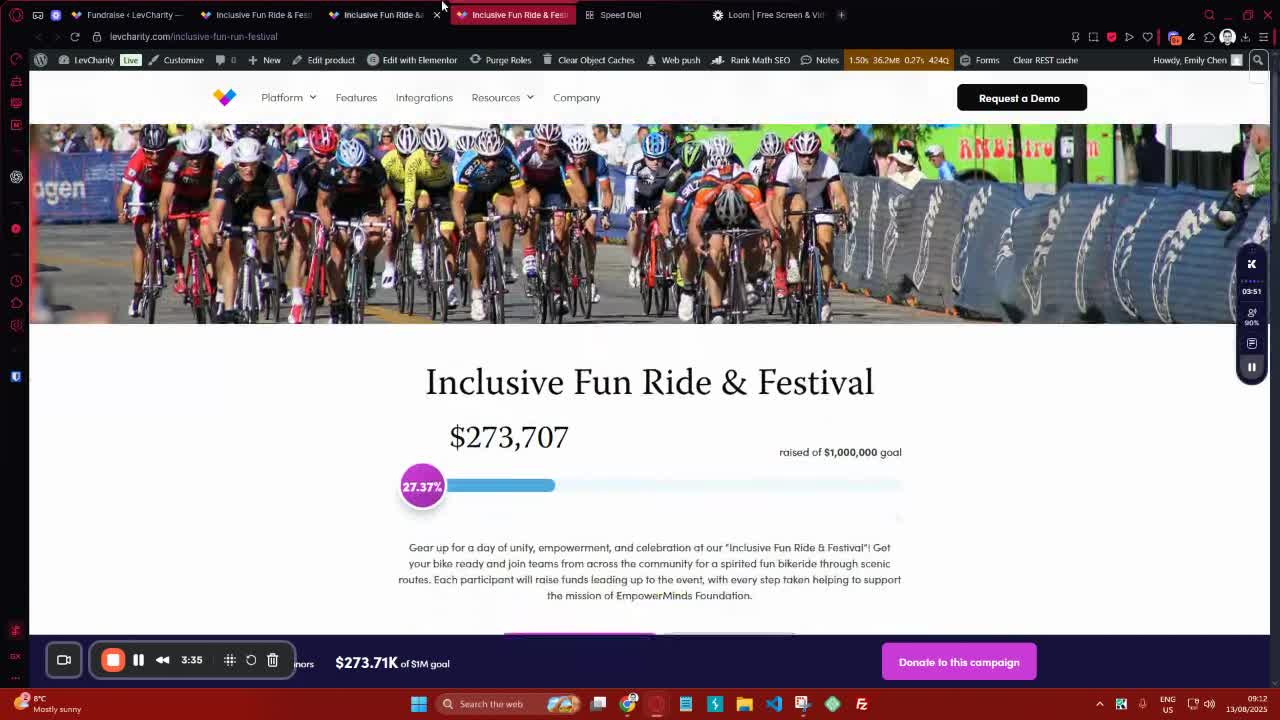
- Define the currency for the campaign.
- Optionally hide the currency switcher if needed.
7. Define Campaign Dates and Goals 4:23
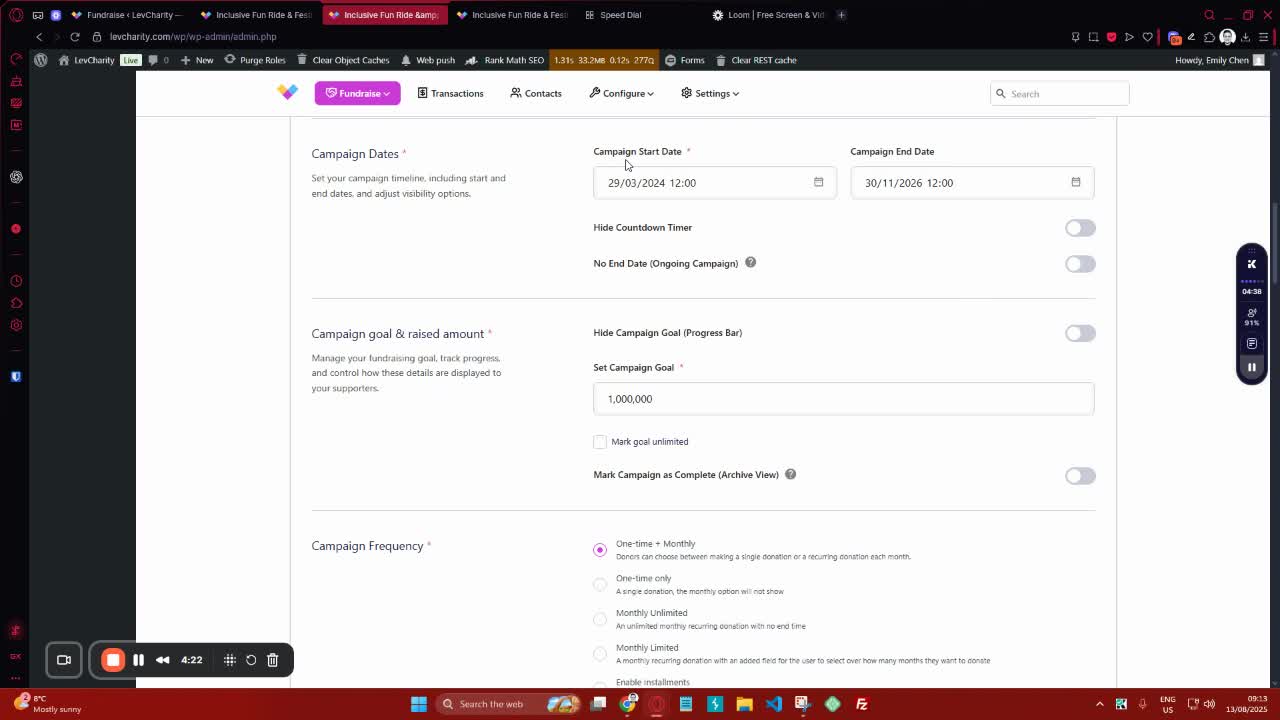
- Set the campaign start and end dates.
- Specify the campaign goal and whether it is unlimited.
8. Configure Donation Frequency 4:52
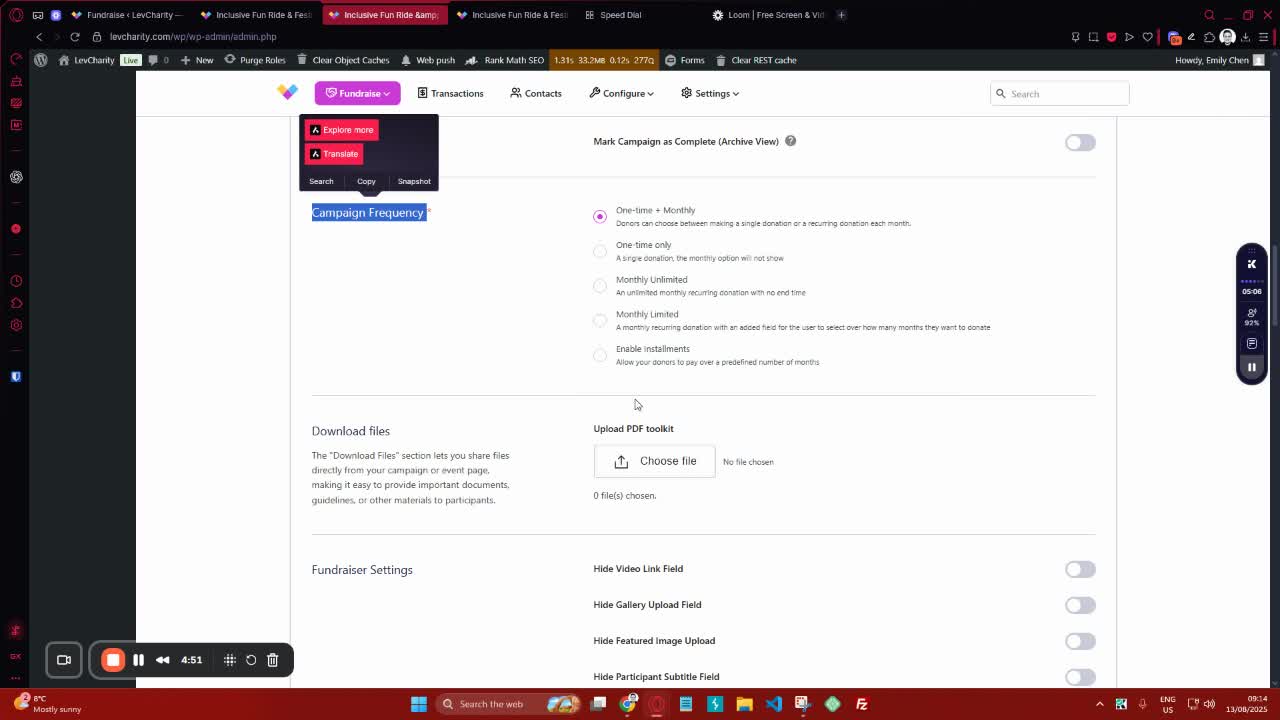
- Choose the donation frequency (one-time, monthly, etc.).
9. Upload Media and Customize Messages 5:16
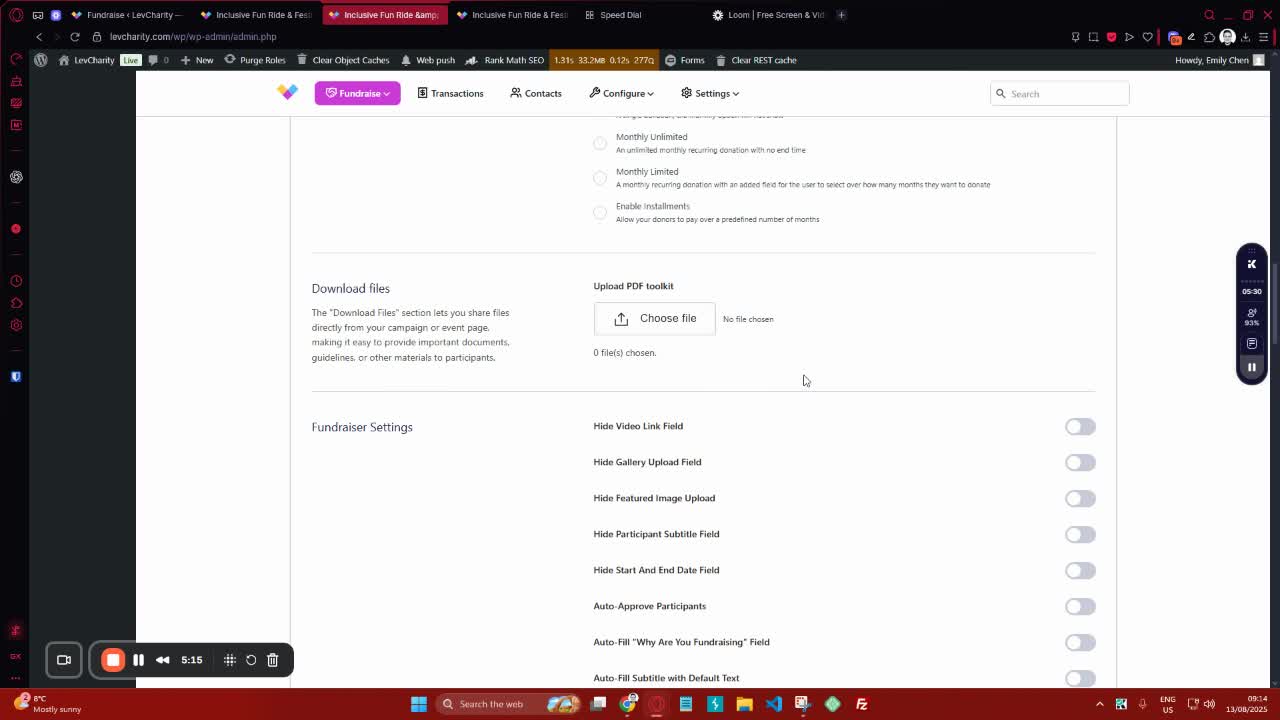
- Upload banner images and mobile images.
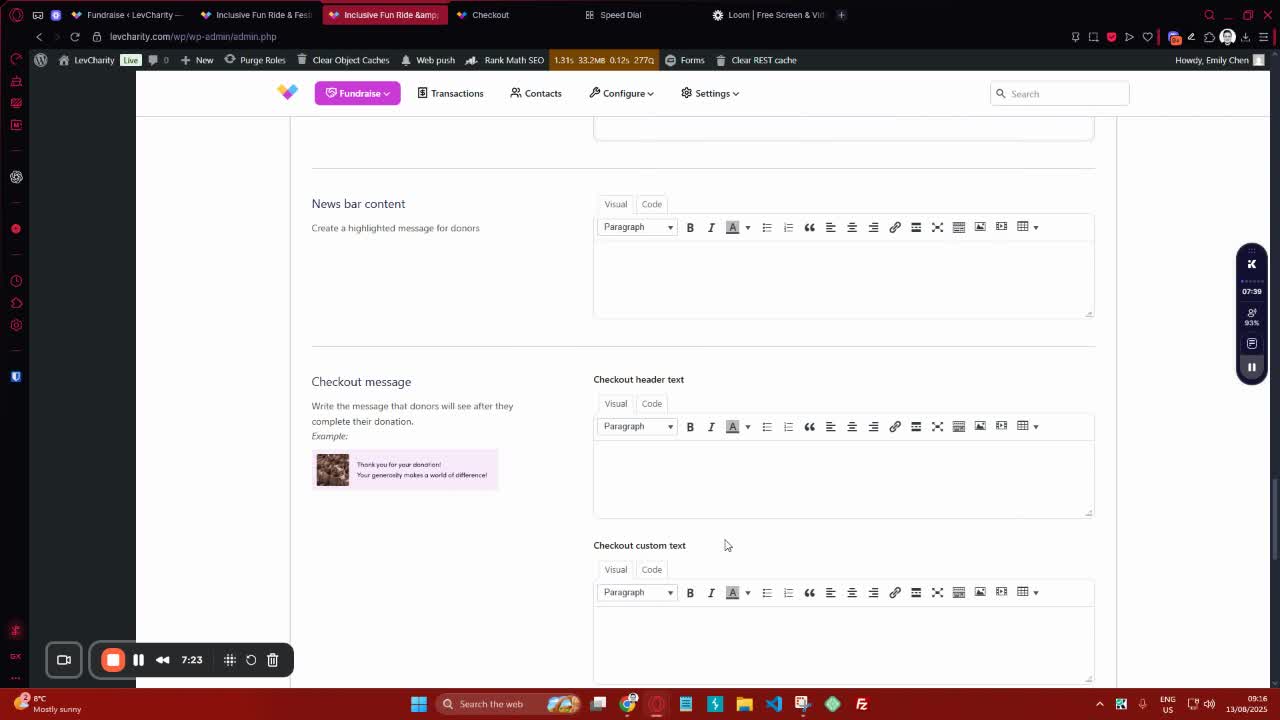
- Customize thank you messages and news bar content.
10. Manage Team Settings 7:24
- Enable or disable team settings as needed.
- Configure auto-approval for team sign-ups.
11. Set Up Goals and Sponsorships 8:37
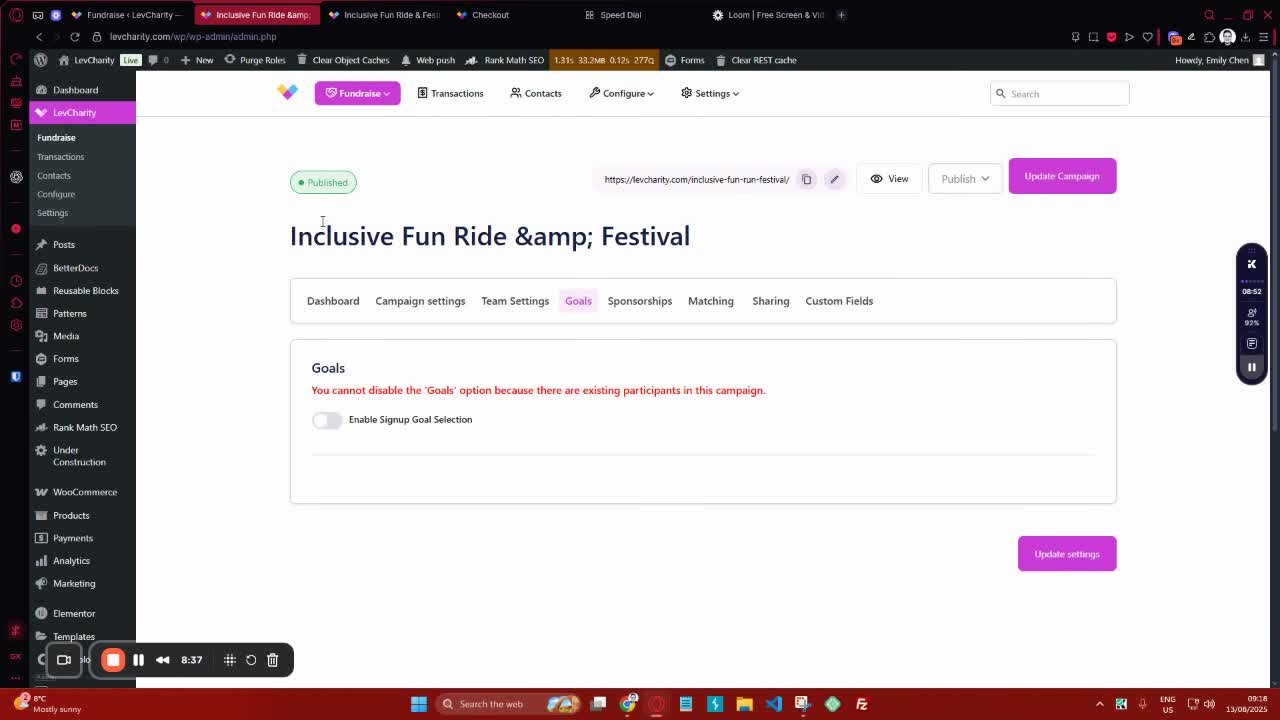
- Define predefined donation amounts for users.
- Optionally add sponsorship options.
12. Enable Sharing and Custom Fields 9:45
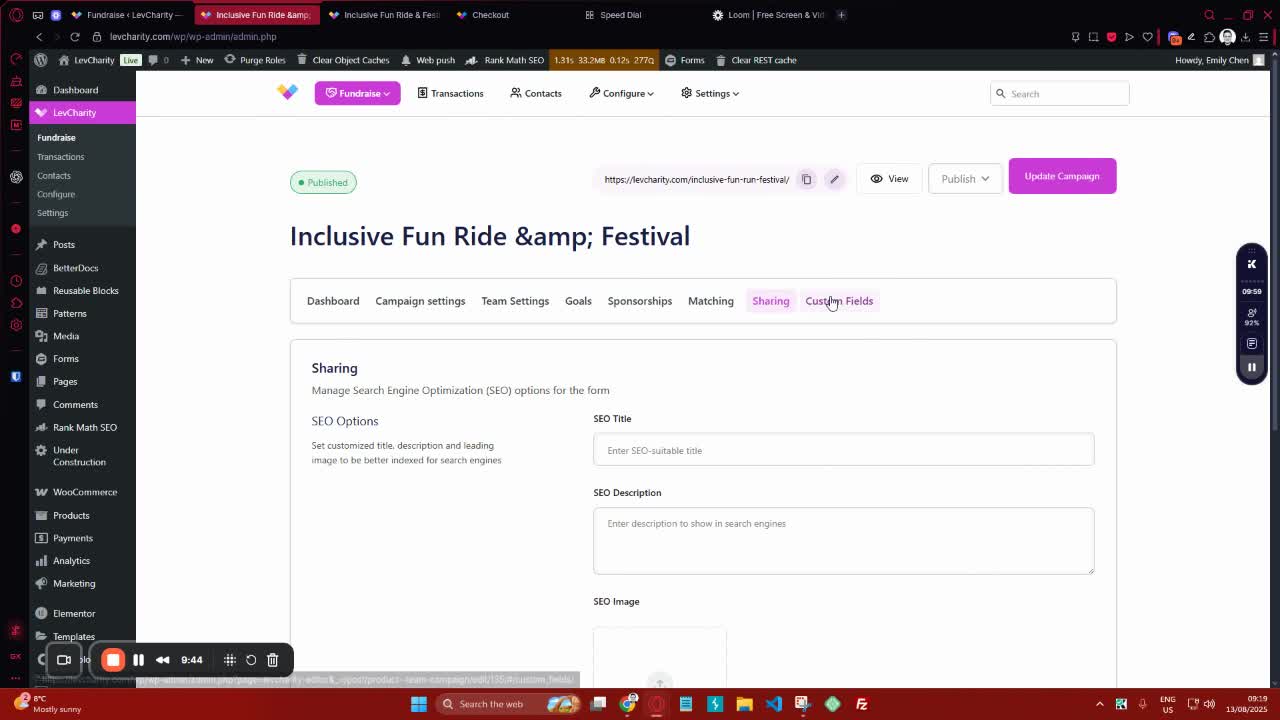
- Input SEO details for sharing.
- Add custom fields to the checkout process.
13. Final Review and Launch 10:00

- Review all settings and configurations.
- Launch the campaign.
Cautionary Notes #
- Ensure all fields are filled out accurately to avoid issues during the campaign.
- Double-check the campaign dates and goals before launching.
Tips for Efficiency #
- Use templates to save time on campaign setup.
- Keep a checklist of required fields to ensure nothing is missed during setup.