
Objective #
This SOP outlines the steps to set up and manage crowdfunding emails for users on the LevCharity platform, ensuring effective communication with donors and team members.
Key Steps #
Step 1: Log into the Backend 0:29
- Access the LevCharity platform backend.
- Ensure you are logged in.
Step 2: Navigate to Configure 0:42
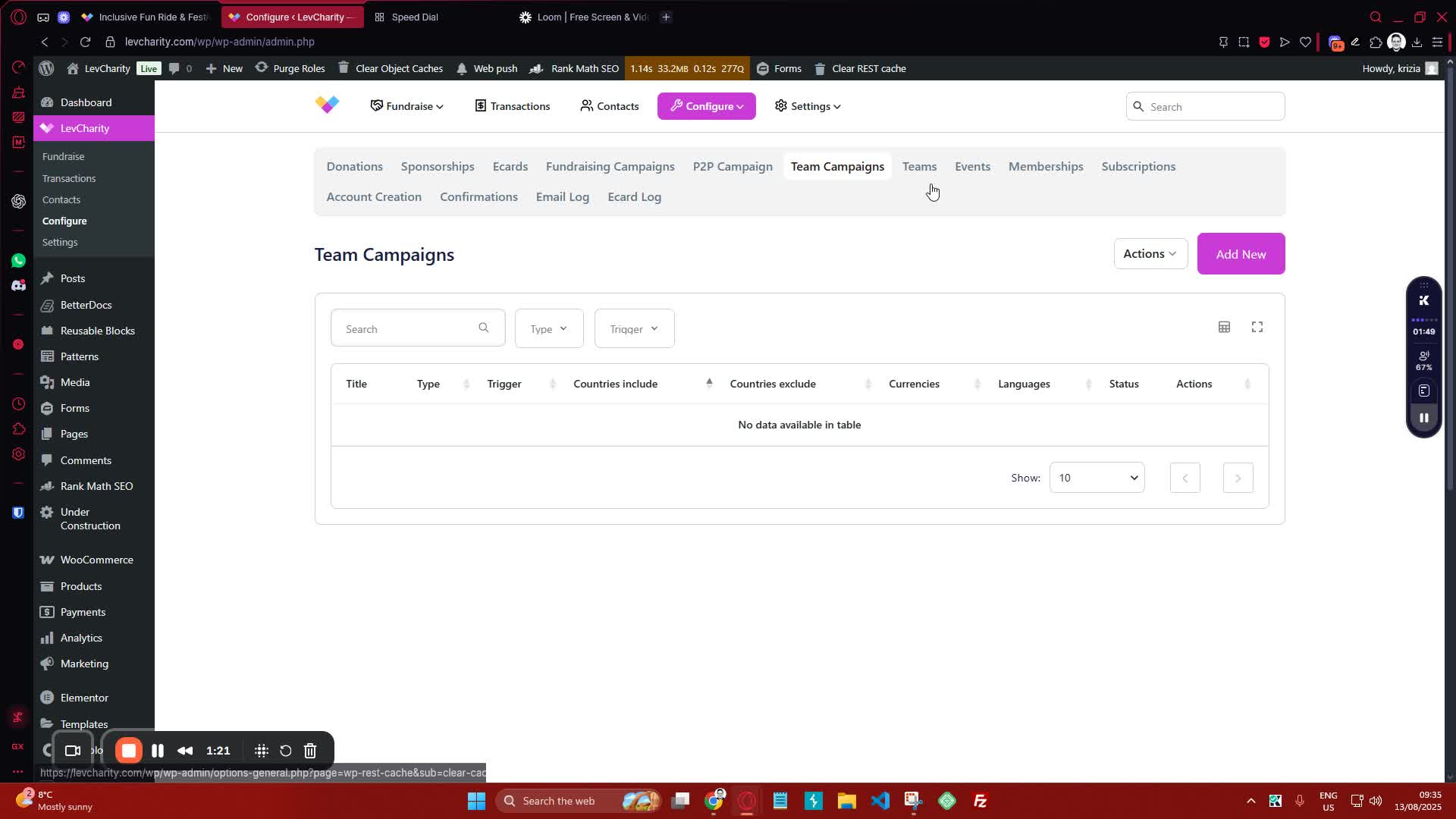
- In the configuration menu, locate and click on ‘Emails’ to access the email settings
Step 4: Add a New Email 1:22
- Click on the option to add a new email for a specific campaign.
Step 5: Title the Email 1:33
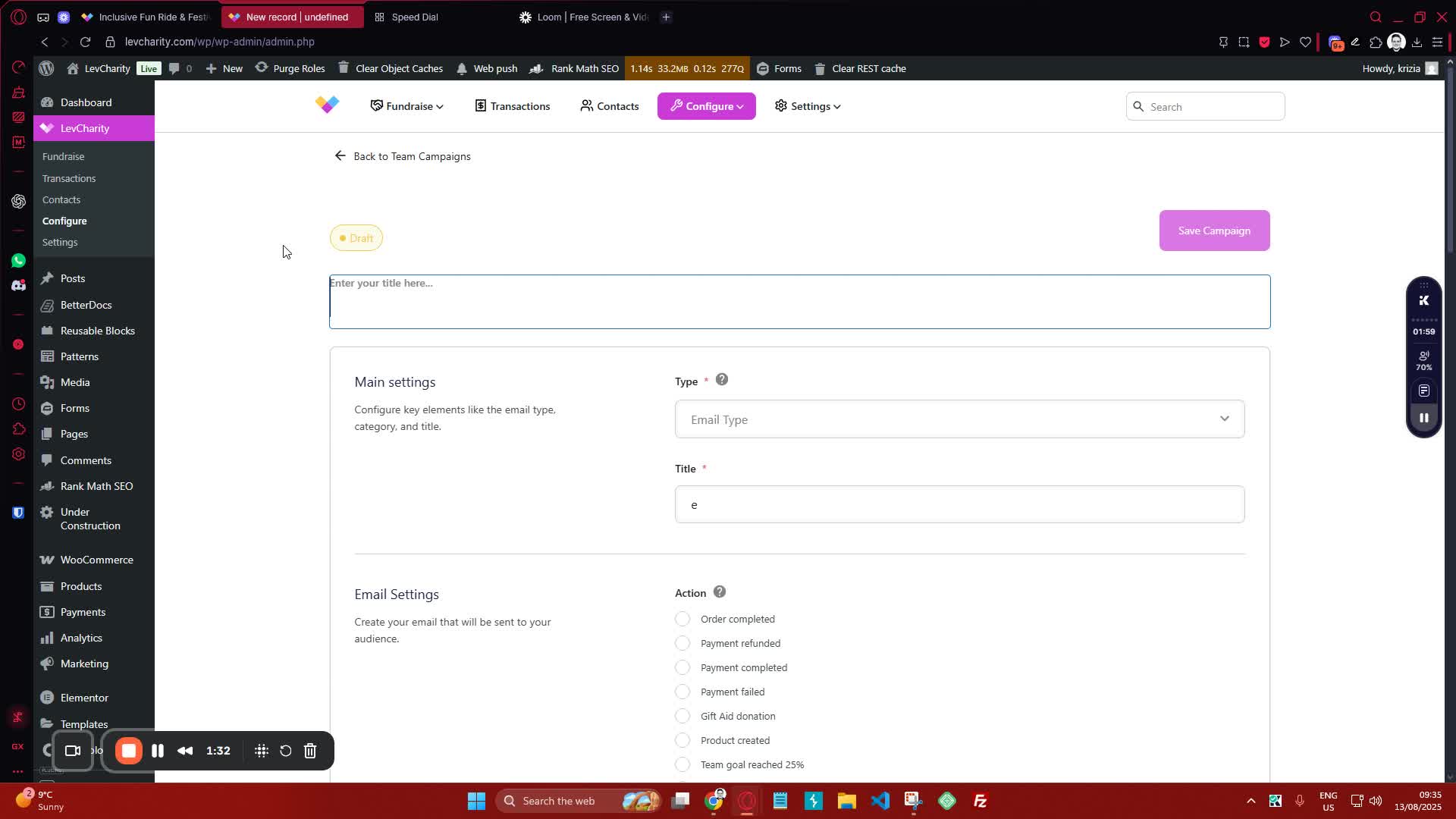
- Provide a title for the email that is easily searchable (e.g., ‘Donor Thank You Message’).
Step 6: Select Email Type 1:49

- Choose the appropriate email type:
- Admin Notification
- User Notification (for donor thank you messages)
Cautionary Notes #
- Ensure that the email titles are clear and descriptive to avoid confusion.
- Double-check the email types selected to ensure they match the intended recipients.
Tips for Efficiency #
- Use merge tags to personalize emails (e.g., donor name, campaign name).
- Set up templates for common email types to save time in the future.