Request a Demo
  • Platform
    • Donations
    • Campaigns
    • Events
    • eCards
    • CRM
  • Features
  • Integrations
  • Support
  • Company
  • Platform
    • Donations
    • Campaigns
    • Events
    • eCards
    • CRM
  • Features
  • Integrations
  • Support
  • Company
Request a Demo

Donations

  • Creating On-Page Donation Forms
  • How to configure a sponsorship opportunity donation form
  • How to setup a variations donation form
  • Overview of Donation Forms on LevCharity

Crowdfunding Campaigns

  • Creating a Crowdfunding Campaign at LevCharity
  • Setting Up Crowdfunding Campaigns
  • Crowdfunding Sign-Up Procedure
  • Creating Crowdfunding Emails on LevCharity Platform
  • Exporting Data for Team Campaigns

Integrations & Settings

  • Setting Up Donation Forms in Plugin
  • Crowdfunding Account Sign-Up Settings

Events

  • Creating Events Using the Events Module
  • Creating and Managing Events in the Back-End System
  • Creating an Event Using the OLD Template in Fundraise
  • Creating and Managing Events Using Single and Multiple Templates
  • Setting Up Emails for Events
  • Exporting Event Data from LevCharity Platform
  • Creating Event Digital Ads

E-Cards

  • Creating E-Cards
  • Managing E-Cards
  • Setting Up E-Card Email Notifications

Fundraising Campaigns

  • Creating a Fundraising Campaign on LevCharity Platform
  • Standard Operating Procedure for Managing Fundraising Campaigns

Configure

  • Setting Up Donation Receipts
  • Adding Sponsorship Equipment Pieces to Your Site

Transactions

  • Managing Transactions in the Admin Back-End
View Categories

Setting Up Crowdfunding Campaigns

2 min read

Objective #

This SOP outlines the steps required to set up and manage crowdfunding campaigns in the backend system, ensuring clarity and efficiency for team members.

Key Steps #

1. Access the Backend 0:21

  • Log into the backend system.
  • Navigate to the ‘Fundraise’ option.

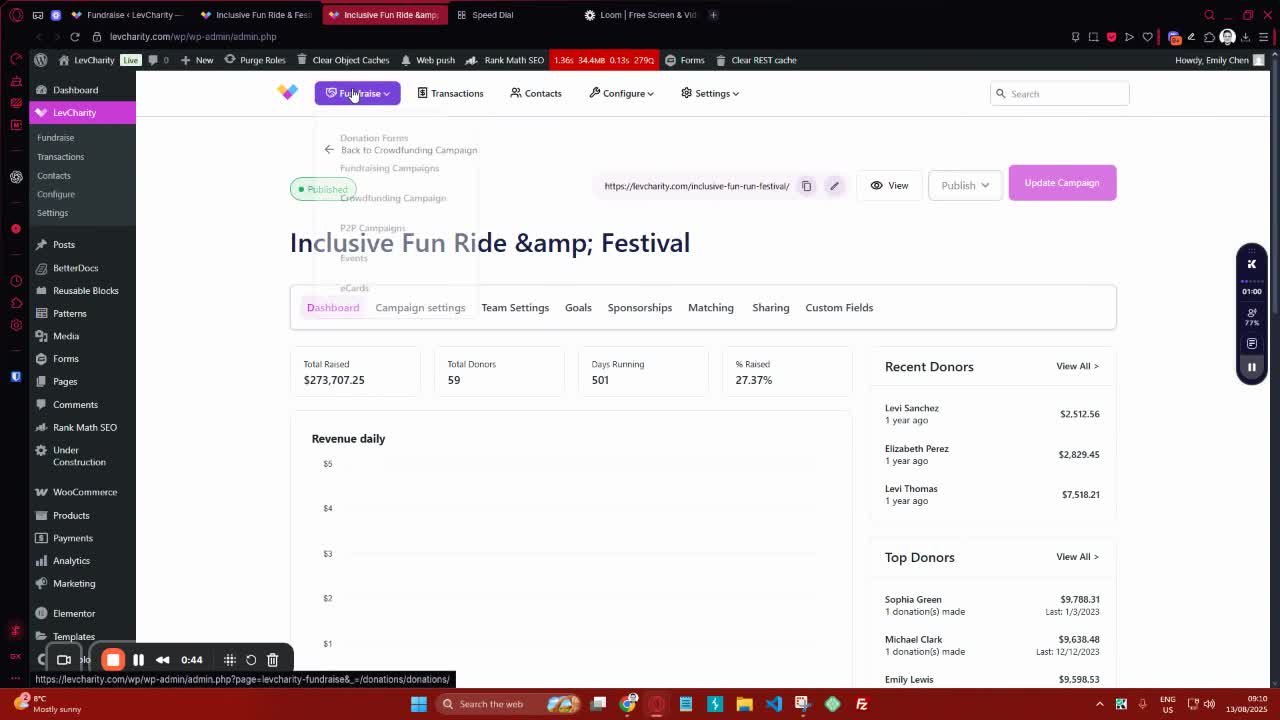
2. Navigate to Crowdfunding Campaigns 0:45
generated-image-at-00:00:45
  • Click on ‘Fundraise’.
  • Select ‘Crowdfunding Campaigns’ to view existing campaigns or create a new one.

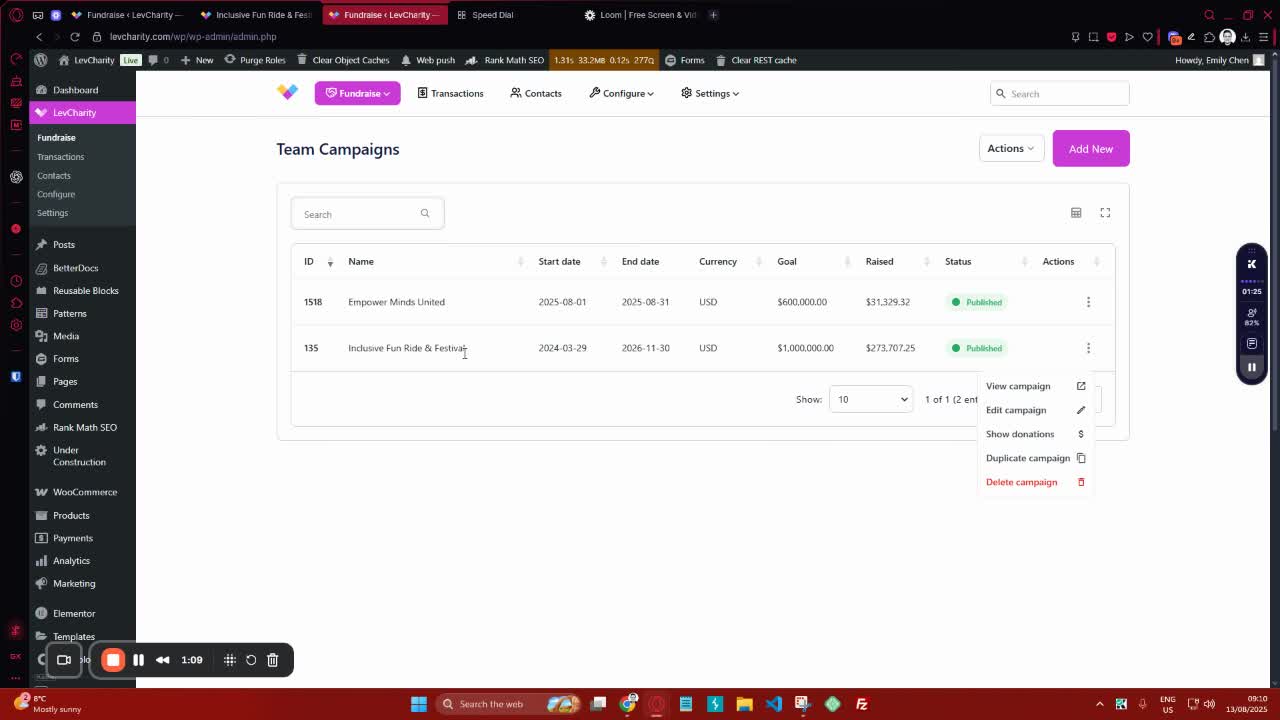
3. Review Campaign Dashboard 1:10
generated-image-at-00:01:10
  • Familiarize yourself with the dashboard displaying:
    • Total raised
    • Total donors
    • Days running
    • Percentage raised based on the goal.

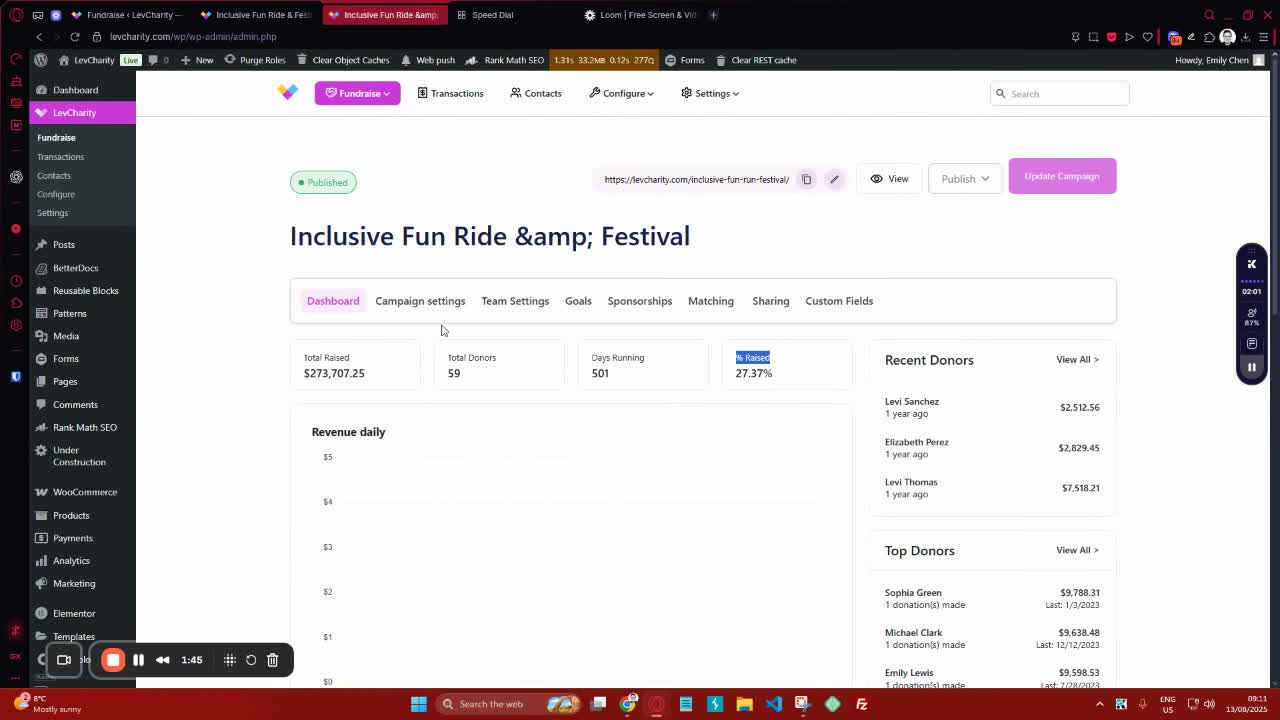
4. Fill Out Campaign Settings 1:46
generated-image-at-00:01:46
  • Enter the campaign title and description.
  • Optionally, set a campaign subtitle and URL slug.

5. Choose Campaign Template 3:09

  • Select the preferred template for the landing page (e.g., landing page, landing page with flows, archive page).

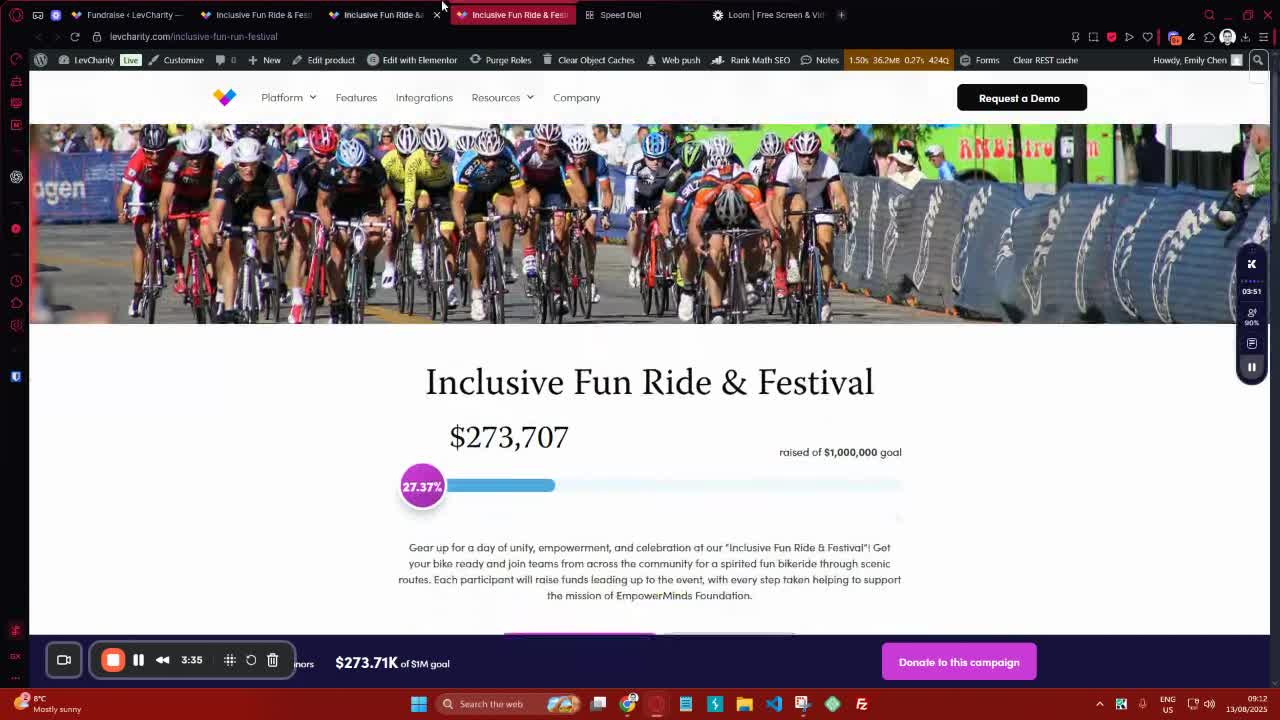
6. Set Currency Options 3:36
generated-image-at-00:03:36
  • Define the currency for the campaign.
  • Optionally hide the currency switcher if needed.

7. Define Campaign Dates and Goals 4:23
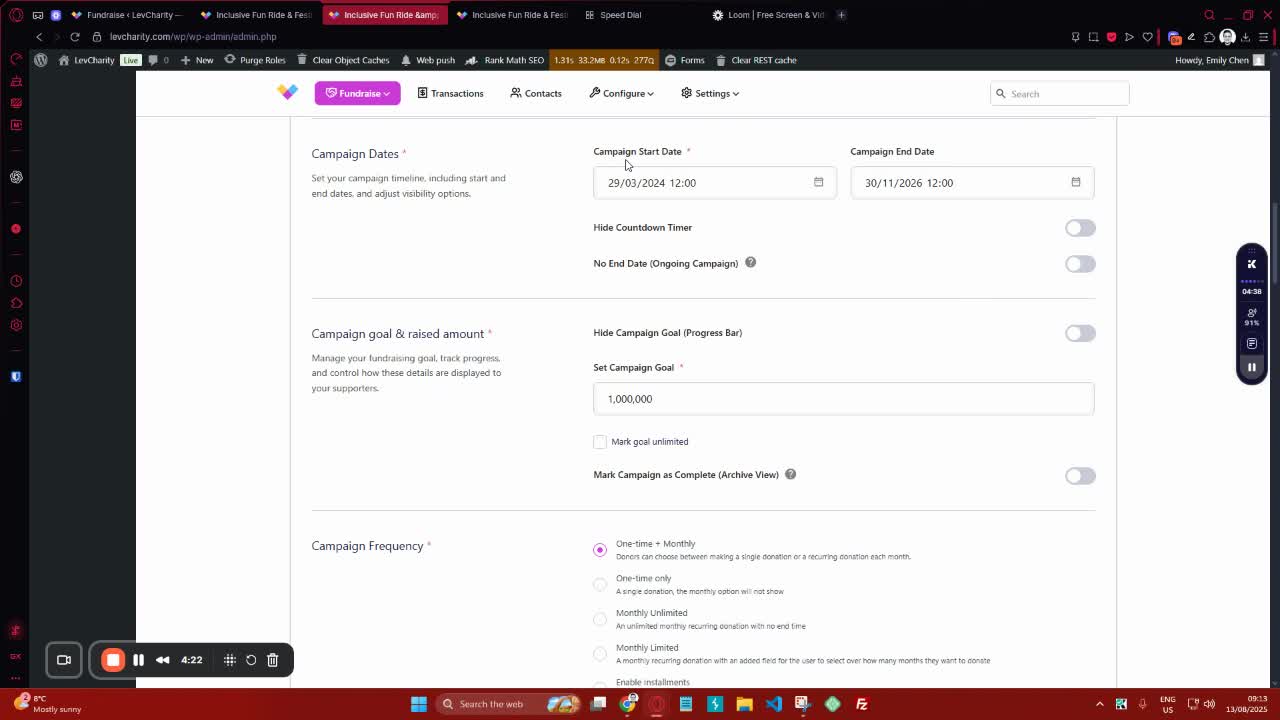
generated-image-at-00:04:23
  • Set the campaign start and end dates.
  • Specify the campaign goal and whether it is unlimited.

8. Configure Donation Frequency 4:52
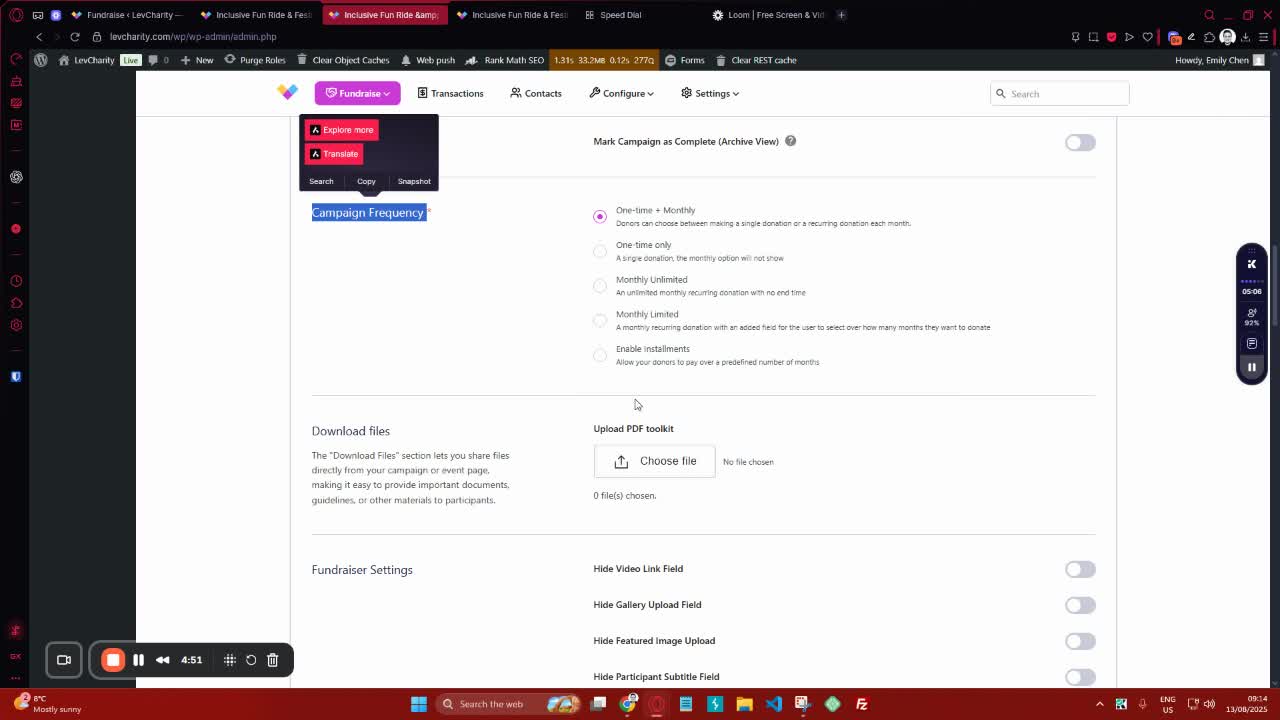
generated-image-at-00:04:52
  • Choose the donation frequency (one-time, monthly, etc.).

9. Upload Media and Customize Messages 5:16
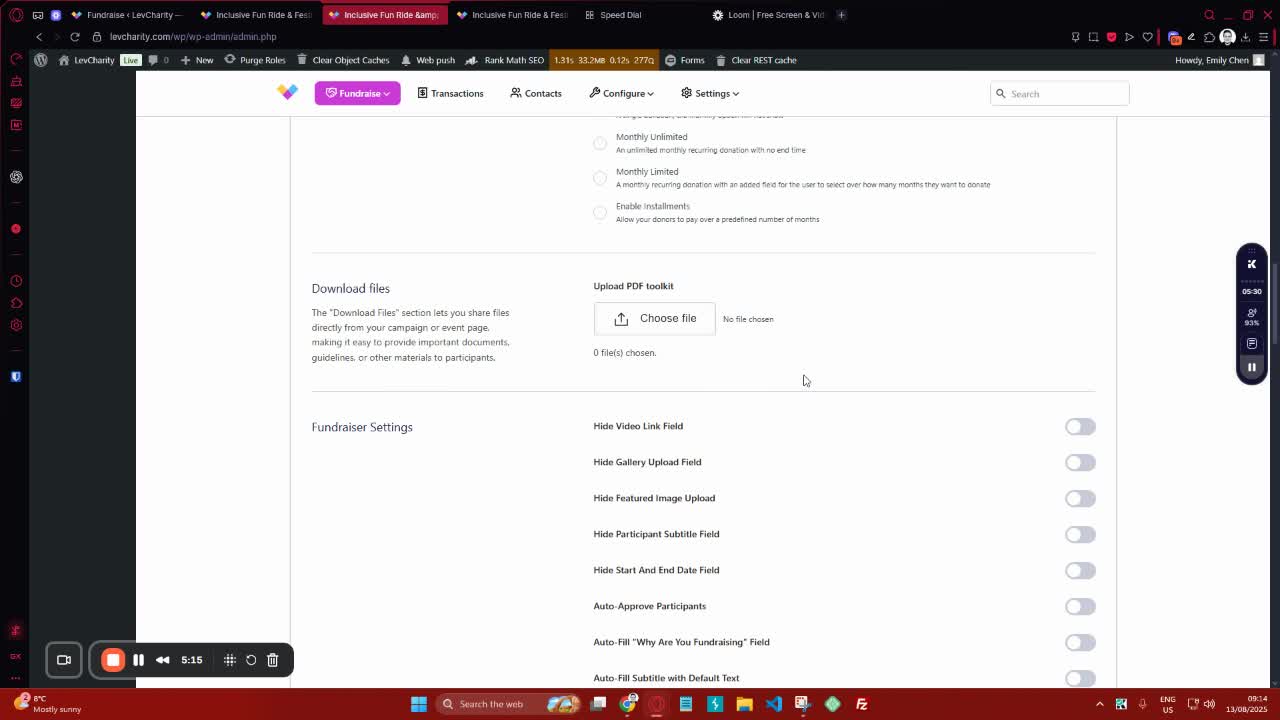
generated-image-at-00:05:16
  • Upload banner images and mobile images.
  • Customize thank you messages and news bar content.

10. Manage Team Settings 7:24
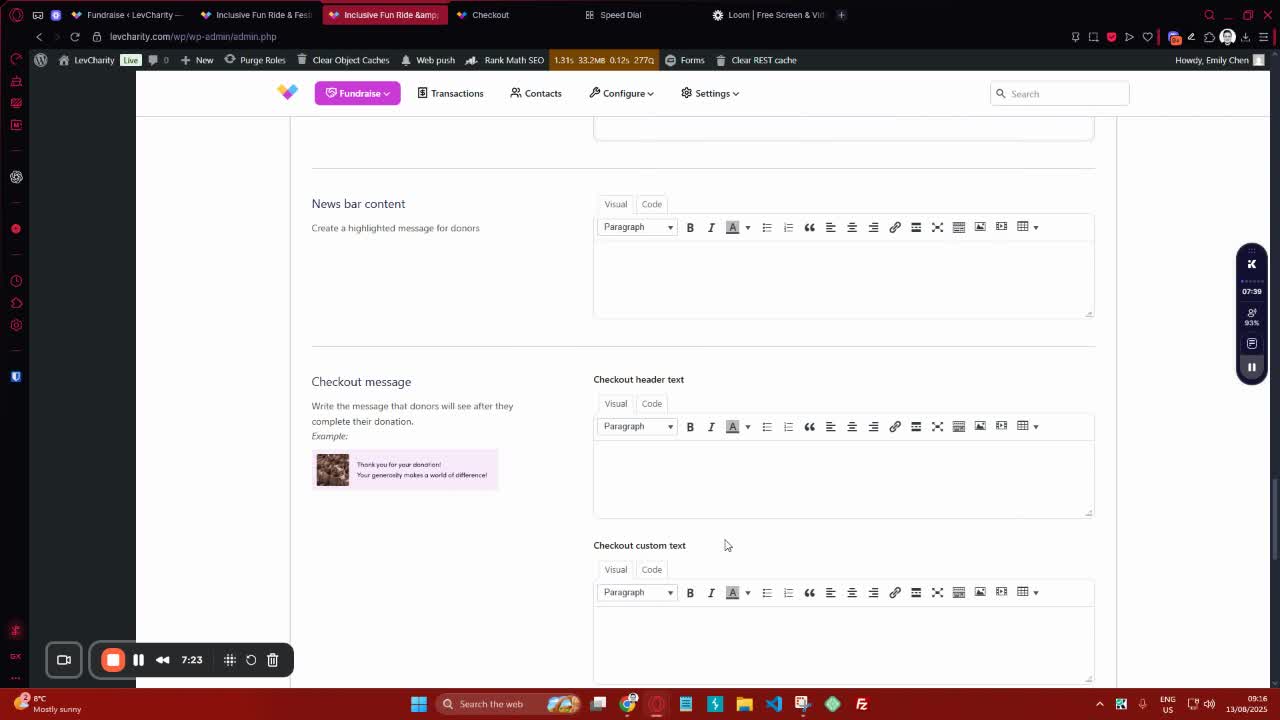
generated-image-at-00:07:24
  • Enable or disable team settings as needed.
  • Configure auto-approval for team sign-ups.

11. Set Up Goals and Sponsorships 8:37
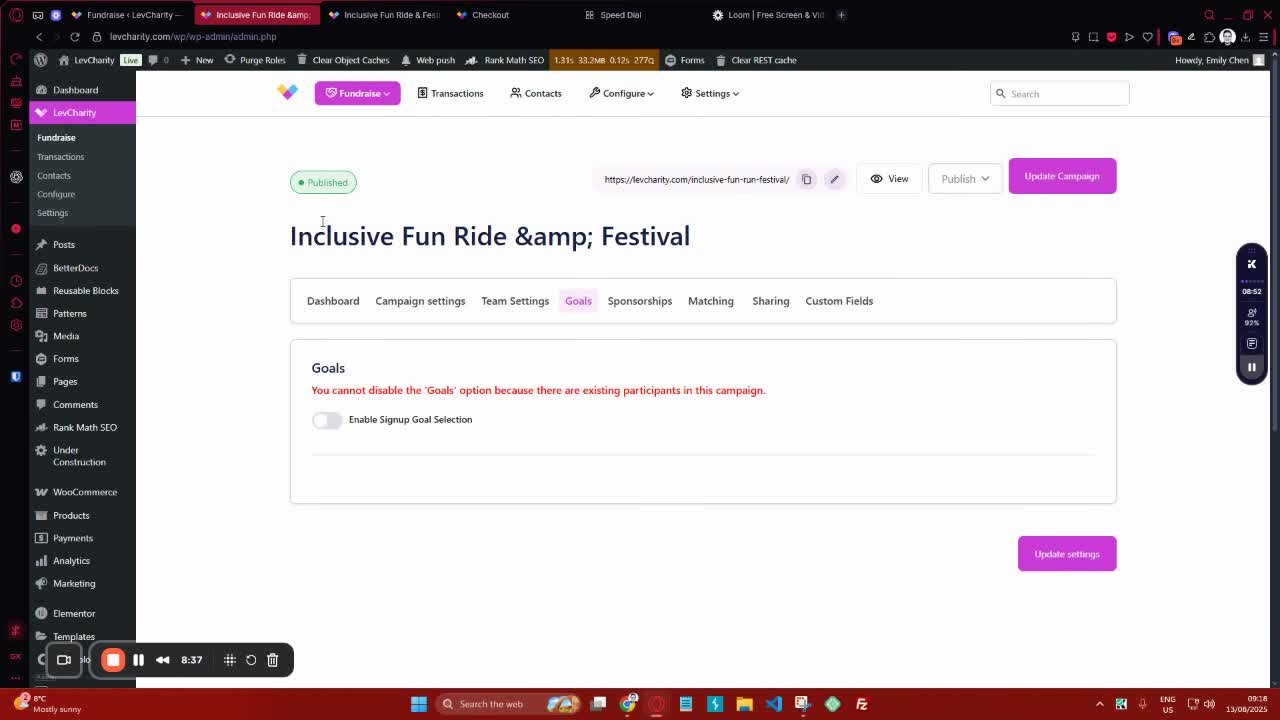
generated-image-at-00:08:37
  • Define predefined donation amounts for users.
  • Optionally add sponsorship options.

12. Enable Sharing and Custom Fields 9:45
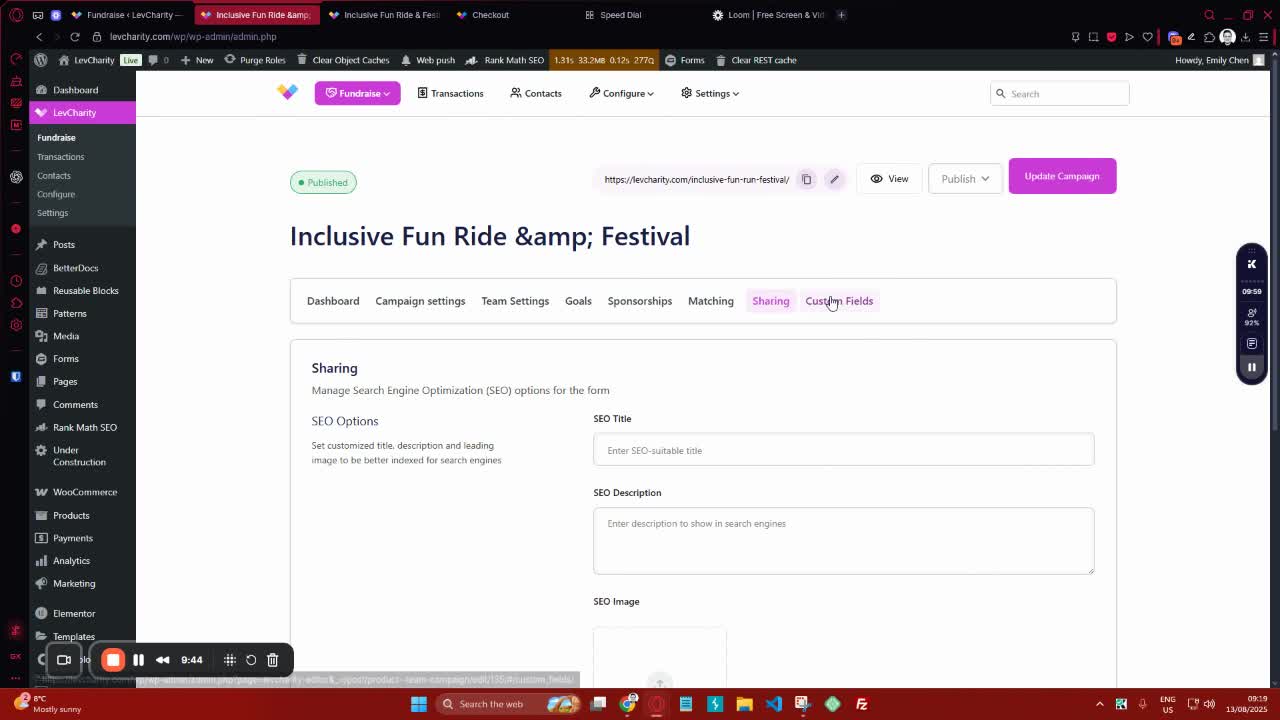
generated-image-at-00:09:45
  • Input SEO details for sharing.
  • Add custom fields to the checkout process.

13. Final Review and Launch 10:00

generated-image-at-00:10:00
  • Review all settings and configurations.
  • Launch the campaign.

Cautionary Notes #

  • Ensure all fields are filled out accurately to avoid issues during the campaign.
  • Double-check the campaign dates and goals before launching.

Tips for Efficiency #

  • Use templates to save time on campaign setup.
  • Keep a checklist of required fields to ensure nothing is missed during setup.

Link to Loom #

Was this article helpful?
Still not sure? How can we help?

How can we help?

Updated on October 29, 2025
Creating a Crowdfunding Campaign at LevCharityCrowdfunding Sign-Up Procedure
Table of Contents
  • Objective
  • Key Steps
  • Cautionary Notes
  • Tips for Efficiency
  • Link to Loom
Join our newsletter

Add your email to stay up to date on features and new releases:

[sibwp_form id=1]
  • Docs
  • Changelog
  • Privacy Policy
  • Terms of Service
  • Cookies Settings
  • Docs
  • Changelog
  • Privacy Policy
  • Terms of Service
  • Cookies Settings